Intrabar Volume Imbalance Indicator TradingView: How It Reads Candle Volume
You watch a five-minute candle close green and read it as buyers in control. Then price stalls exactly where it closed and gives the move back over the next two bars. That is the question an intrabar volume imbalance indicator tradingview traders end up looking for when a candle looks bought but behaves like it wasn't: where inside that bar did the volume actually trade?
A plain candle only tells you four prices: open, high, low and close. It cannot tell you whether the push happened in the first part of the bar or the last, or whether the close was won on thin volume after heavy selling near the top of the range. Two candles with identical open, high, low and close can be built from completely different volume, and the chart alone will not show you which one you are looking at.
What an intrabar volume imbalance indicator tradingview charts can show
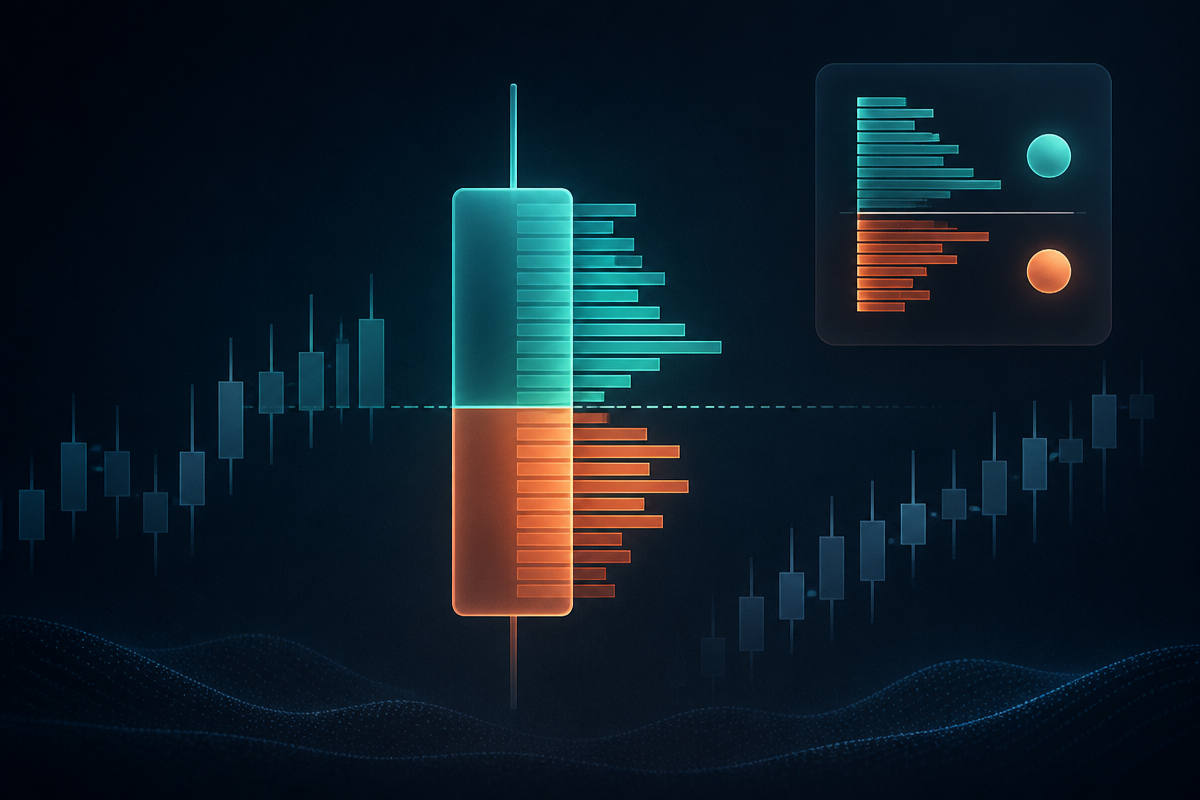
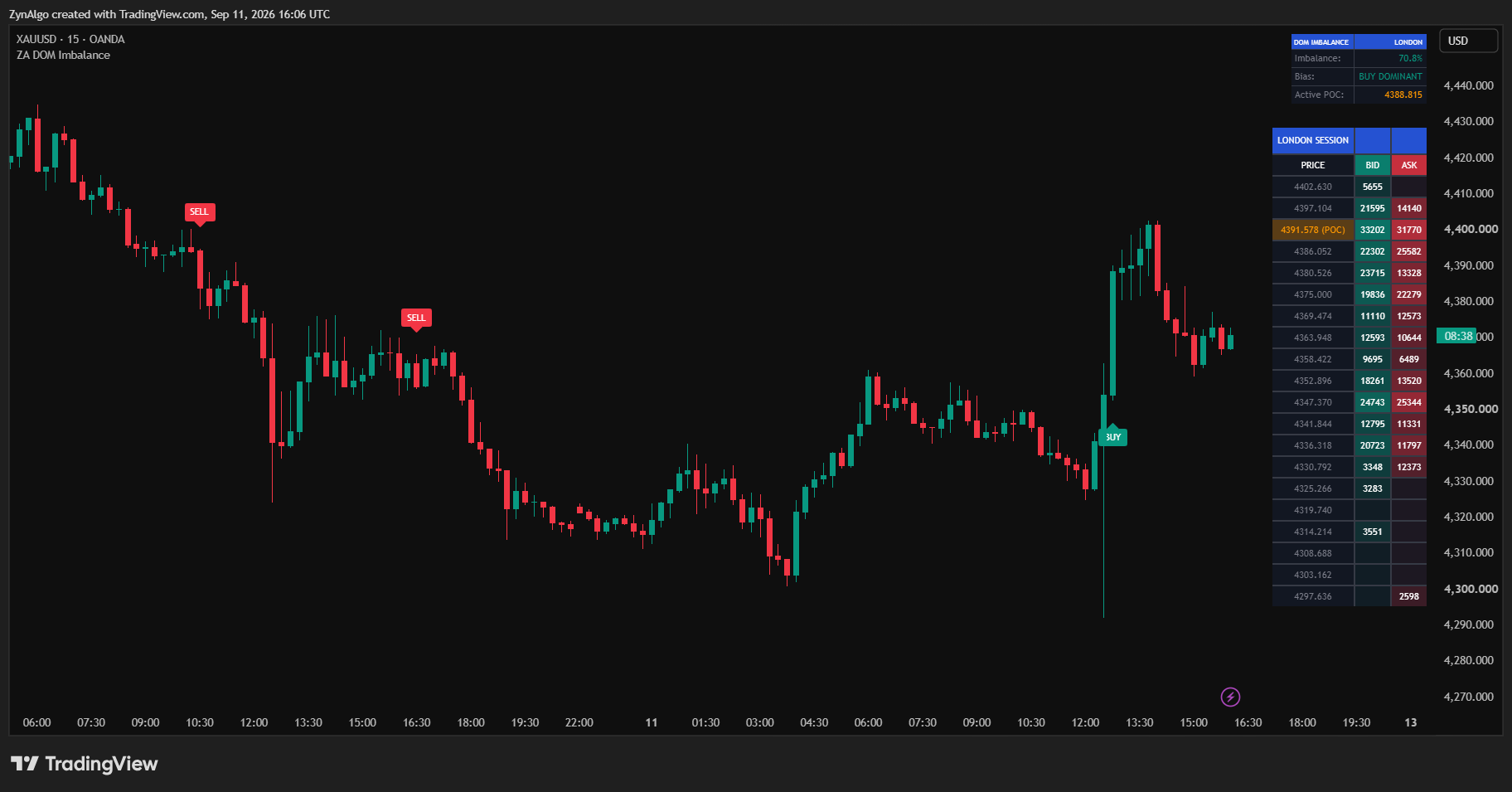
Intrabar DOM Imbalance (ZynAlgo) brings in the lower-timeframe bars that make up each chart candle and sorts their volume above or below the candle's midpoint. The difference between upper-half and lower-half volume becomes a single imbalance percentage: positive when more volume traded high in the range, negative when more traded low. A dashboard in the corner of the chart shows that reading, a bias label (buy dominant, sell dominant or neutral) and the active trading session.
Around that reading the tool builds a session profile. For Asia, London and US/NY, each with its own enable switch and hours, the same intrabar volume is stacked into a set number of price levels across the session's range, split into bid and ask style columns. The level that collected the most volume becomes that session's point of control (POC), redrawn as the session runs and cleared when the next one starts.
A BUY or SELL marker only prints when three things agree on the same closed candle: the imbalance clears your chosen threshold, the candle's shape matches the mode you picked (a momentum read wants a strong candle that agrees with the imbalance, a divergence read wants one that disagrees, the absorption case), and the candle's wick touched the active session POC and closed back on the right side of it. A cooldown keeps markers from stacking on top of each other. One limit worth repeating from the product manual: the bid, ask and DOM figures are a proxy rebuilt from lower-timeframe volume, not a live depth-of-market feed.
Reading a session POC retest in a real session
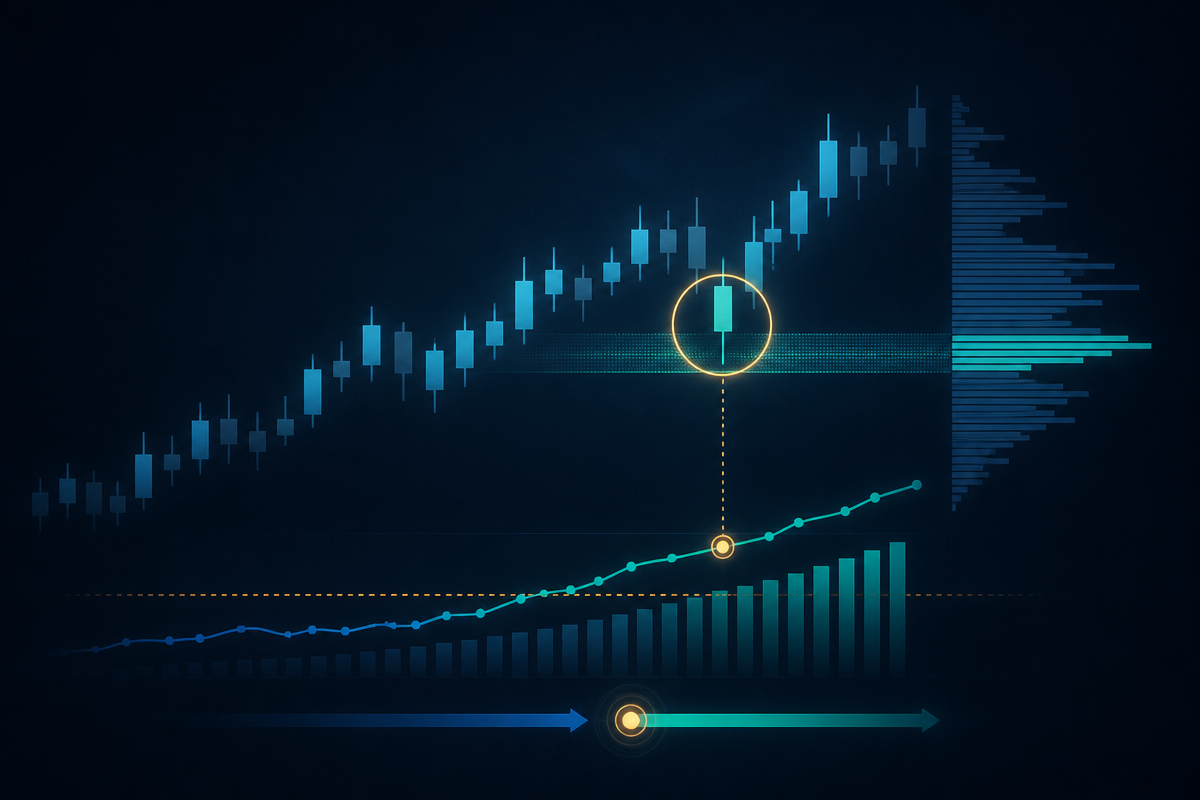
Say you are watching the London session on a 5-minute EUR/USD chart. Price has been drifting up since the open. The dashboard shows the imbalance climbing toward your threshold and the bias flips to buy dominant. A few bars later, one candle wicks down into the London POC, holds, and closes back above it with a body that meets your minimum for that mode. That is the bar the tool marks. Hovering the label shows the imbalance reading, the body ratio, the session name and the POC price it retested, so you are not taking the marker on faith.
Outside an enabled session, or when price is nowhere near the session POC, the dashboard keeps updating the imbalance and bias readings, but no marker prints. That gap is deliberate: a reading with no proven level behind it is context, not an entry.
Intrabar DOM Imbalance TDV
Full specification, pricing and platform support live on the product page.

Who this fits
- Traders who already think in terms of order flow but do not have a footprint or depth-of-market platform.
- Session traders working a fixed Asia, London or US/NY window who want a level anchored to that session, not one carried over from the prior day.
- Traders comfortable choosing between a momentum read (volume and candle agree) and a divergence read (volume and candle disagree).
- Intraday traders on futures or crypto, where continuous volume gives the lower-timeframe feed enough data to sort.
What it does not do
Intrabar DOM Imbalance does not replace a real order book. The bid, ask and DOM table are rebuilt from lower-timeframe closes and volume, and the manual is explicit that this is a proxy, not live market depth. It does not generate a signal outside an enabled session, so on instruments or hours where none of the three sessions apply, you get the dashboard but no markers. On older bars it goes quiet rather than guess, because TradingView limits how much lower-timeframe history it will serve, so checking a marker far back on the chart is not something it is built for. It also will not tell you position size, stop placement or whether a setup is worth the risk. Those decisions stay with you.
Trading involves risk, and nothing in this article or in the indicator itself is investment advice. An imbalance reading and a POC retest can both be present and the trade can still go against you. Use your own stop placement and position sizing, and treat any marker as one input, not an instruction.
Pairing it with the rest of your chart
If you want a slower-moving reference for where supply and demand have previously reacted, Core Supply & Demand marks zones on the chart that you can compare against where the current session POC is sitting. If you want a separate read on how much volume is showing up relative to its recent normal, Volume Deviation Bands does that on a non-intrabar basis. Neither tool changes what Intrabar DOM Imbalance measures. Each simply gives you another fact to look at before you decide.
If a candle closing where it did without you knowing why the volume moved that way is a recurring problem in your trading, Intrabar DOM Imbalance is available on the ZynAlgo marketplace for TradingView.
Intrabar DOM Imbalance TDV
Pick a plan on the product page and it lands in your library right after checkout.