Cumulative Volume Delta Before News Release: How the Bias Locks In

You are watching the clock before a CPI print or a jobs report. Price goes quiet, the number hits, it spikes hard in one direction, and by the time you have clicked buy or sell it snaps the other way and stops you out. The instinct is to blame the headline. More often the market had already leaned one way before the release, and that lean was sitting in the cumulative volume delta before news release, not in the number itself. Pre-News Flow Bias (ZynAlgo) is built to read that lean on a TradingView chart and lock it in before the candle everyone is staring at even closes.
What Pre-News Flow Bias does
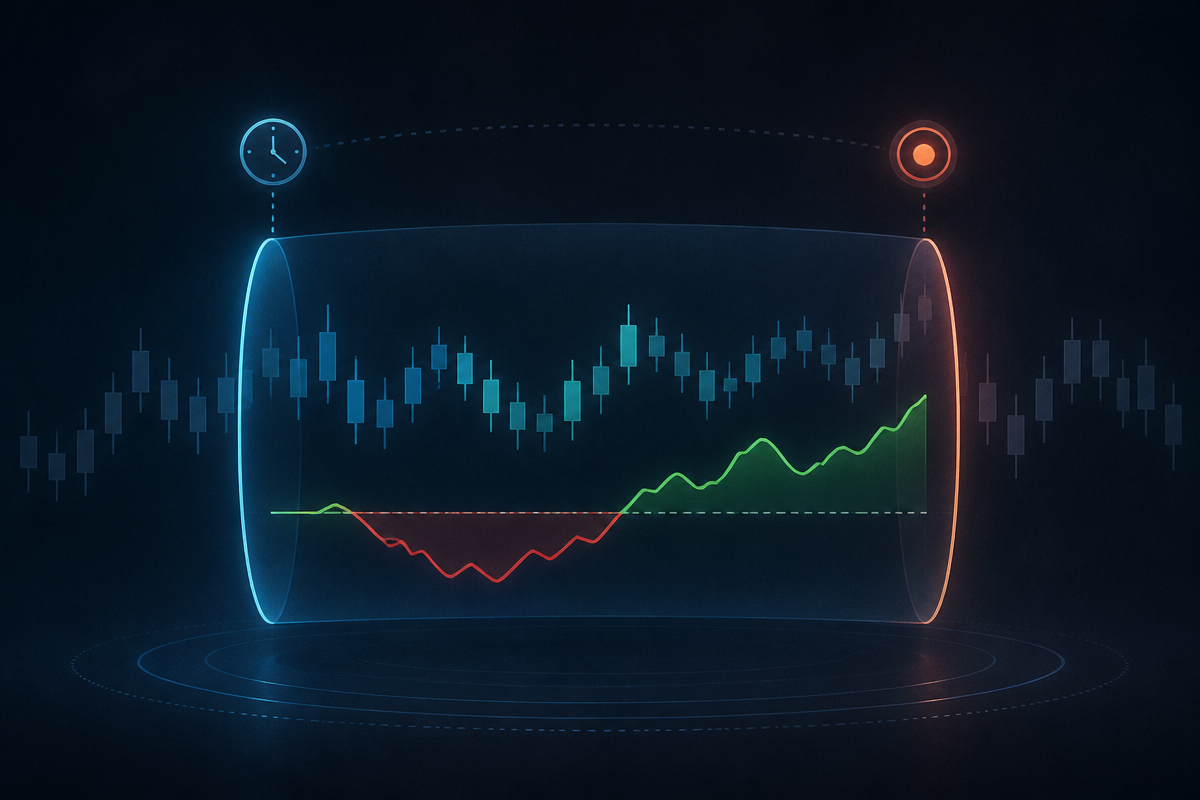
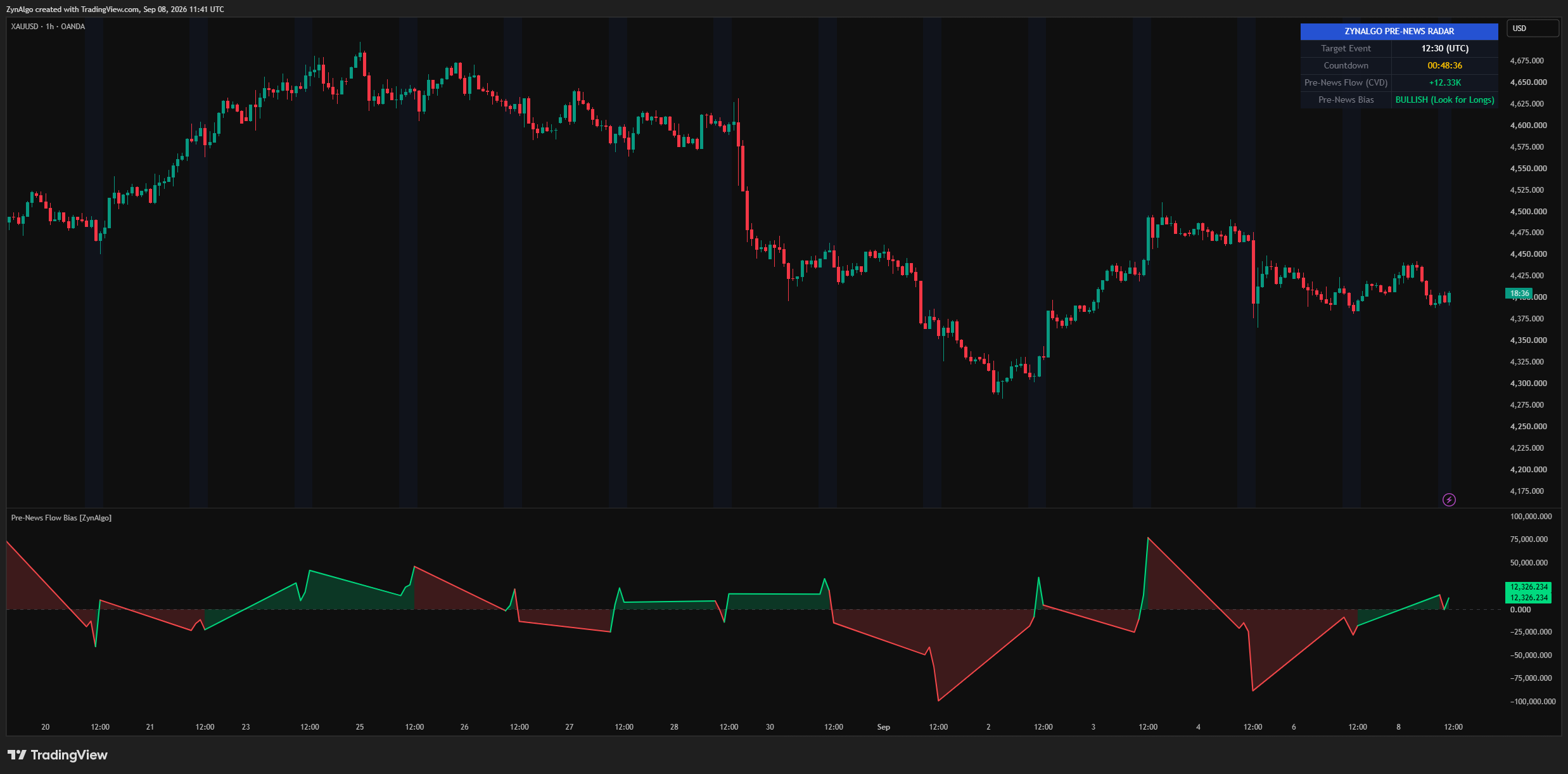
The indicator opens a scan window ahead of a scheduled event you configure (news time, timezone, and by default four hours before the release). Inside that window it estimates buy versus sell volume on every bar, using where the close sits in its high to low range, and sums that into a running Pre-News CVD line. The line plots green above zero and red below it, against a dashed zero line, with a light blue tint across the chart marking the active window. A dashboard shows the target event, a live countdown, the current CVD reading, and a bias row: bullish, bearish, neutral, or standby.
When the news bar arrives, whatever sign the CVD was showing gets frozen as the locked bias for a post-news window. A violent first reaction cannot flip it. The tool stays with the side that had been building beforehand, and that lock is the entire idea: the release is treated as a catalyst, not as the source of the signal.
Reading the locked bias in a real session
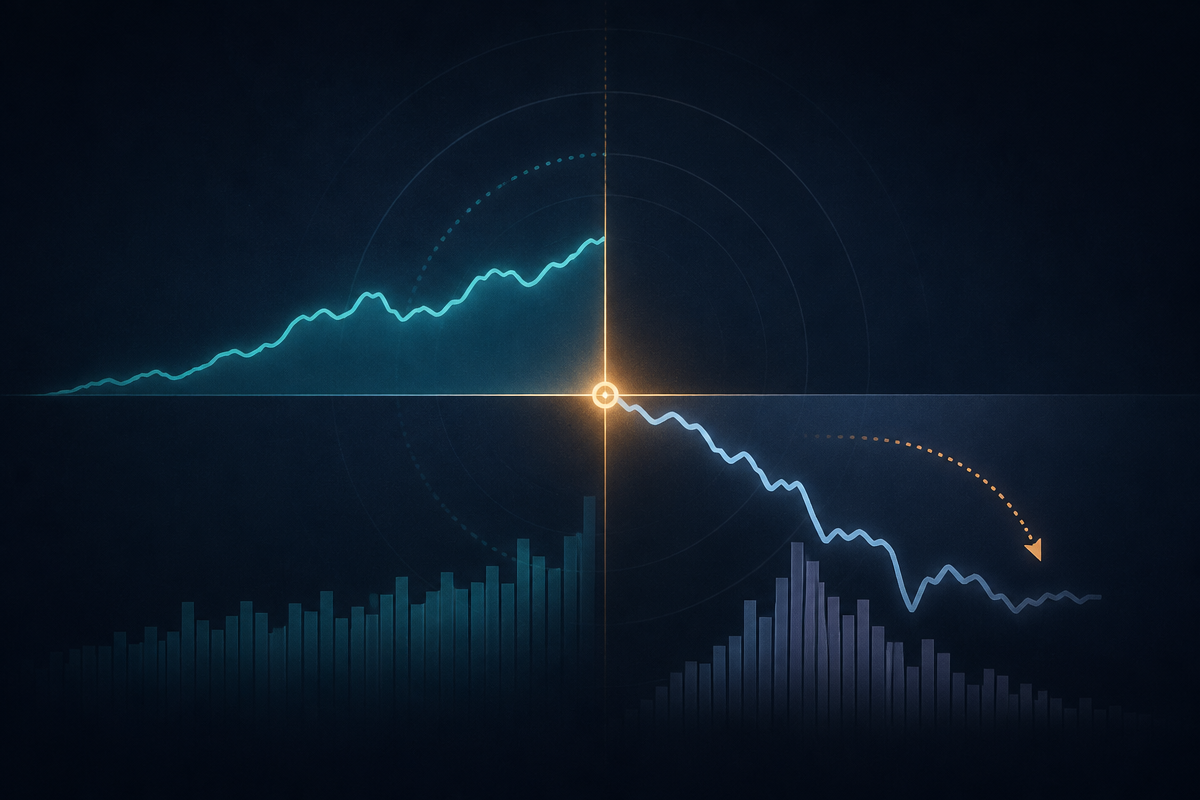
Say you are watching an 8:30am release on a five minute chart with the default four hour scan window, so accumulation starts at 4:30am. Through the morning the Pre-News CVD line sits above zero, the dashboard reads bullish. At 8:30 that reading locks. The first reaction is often a sharp move against the lock, a knee-jerk sweep lower. Pre-News Flow Bias is watching for exactly that: a pullback that reaches or breaks the low of the recent swing, on a bar that closes back above its open. When that happens, a green buy marker prints below the bar, with a note that the pre-news CVD was bullish.
Only one marker can print per event. Once a buy or sell fires, the post-news window closes. If no rejection appears within the configured number of bars, that release simply produces no signal, and there is nothing to force. Two alert types are available: an early-warning alert ahead of the release showing the current bias, and alert conditions tied to the buy and sell markers themselves.
Pre-News Flow Bias TDV
Full specification, pricing and platform support live on the product page.

Who it fits
- Traders who work scheduled events: rate decisions, employment data, inflation prints, and similar timed releases.
- Pullback traders who would rather wait for a rejection of the initial spike than chase the first candle.
- Traders who want a hard stop on overtrading a release: one marker per event, and a countdown that keeps the pre-release window visible.
- Intraday traders on symbols where volume is meaningful, since the whole reading depends on it.
What it does not do
- It does not forecast whether the actual number will beat or miss expectations. The bias comes from positioning that built up beforehand, not from any read of the data itself.
- It does not use real exchange order flow. The buy and sell split is estimated from where each candle closes in its range, which is a reasonable proxy but not a tick by tick record of resting orders.
- It does not manage the trade for you. It prints a marker for at most one confirmed entry per event and nothing else; stop placement, sizing, and management are entirely on the trader.
- It does not work well on thin symbols or on a scan window left pointed at yesterday's event time. The event clock has to be reset for each release you actually intend to trade.
- It is not a tool for the hours between releases. Outside the scan and post-news windows the dashboard simply reads standby.
Pre-News Flow Bias is a decision-support tool, not a trading system or investment advice. Trading involves risk, the volume delta it plots is an estimate rather than exact order flow, signals can fail to appear or fail to work out, and no indicator removes market risk. Position sizing and stop placement remain the trader's own decisions.
Pairing it with other tools
Some traders look at Volume Deviation Bands alongside the locked bias, since it measures how far price sits from a volume weighted mean in the market's own units, which gives a separate read on whether the post-news move already looks stretched. Others check Core Supply and Demand, which ranks existing zones by the volume that built them, to see whether the pullback the bias is waiting on happens to land inside a zone that already carries weight. Each tool answers its own question independently; none of them changes what the CVD lock is measuring, and none guarantees a better outcome when used together. They are simply additional context to look at on the same chart.
Pre-News Flow Bias TDV
Pick a plan on the product page and it lands in your library right after checkout.