Buying an MT5 Expert Advisor: 8 Questions to Ask Before You Pay
Quick answer: before buying a MetaTrader 5 Expert Advisor, make sure you can see the rules it trades, that every trade has a real stop loss, that it sizes positions from your risk rather than a fixed lot, that it does not use grid or martingale averaging, and that you understand how it handles targets, sessions and multiple open trades. An EA that cannot answer those questions is asking you to trust a backtest, not a method.
The MT5 marketplace is full of EAs with smooth equity curves and very little explanation. The smooth curve is easy to produce after the fact. What matters is whether the logic is something you can understand, check on the chart and control. These are the eight questions we would ask about any MT5 EA, ours included.
The 8 questions
1. Can I see the signals it trades?
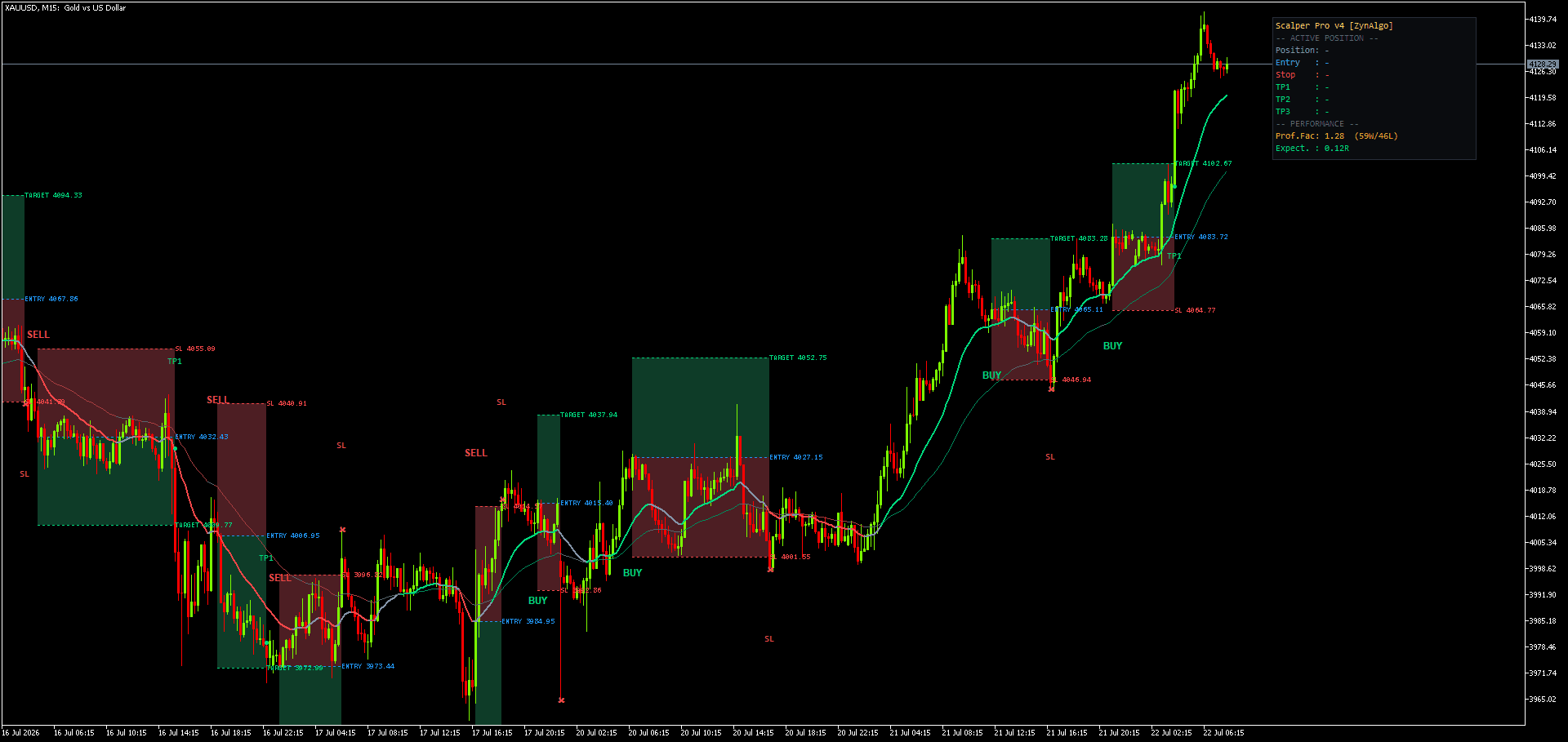
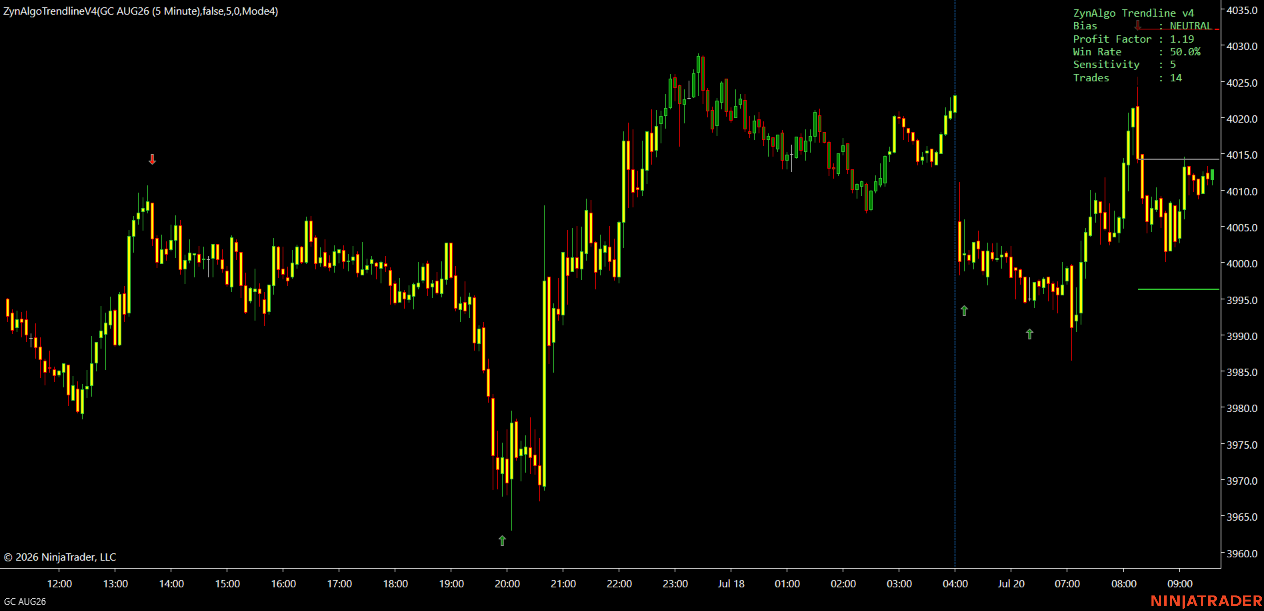
The safest EAs are the automated version of an indicator you can run on the chart first. If the EA trades exactly the signals you can watch and verify, you know what it will do before it does it with real money.
2. Does every trade have a stop loss at the broker?
A stop held only inside the EA disappears if your terminal or VPS goes offline. Each order should carry a real stop loss at the broker.
3. How is position size calculated?
Fixed lots mean your risk changes every time the stop distance changes. Look for risk-percent sizing, where the EA calculates the lot size from your chosen percentage of equity and the stop distance.
4. Does it use grid or martingale?
Averaging into losing positions produces beautiful equity curves until the one move that does not come back. Ask directly. A rules-based EA opens one position group per signal with a defined stop.
5. How are take-profits handled?
Partial targets are only real if they are placed as real orders. An EA that splits a position into separate tickets, each with its own target, closes partials cleanly even if the terminal disconnects.
6. What happens after the first target?
Moving the stop to breakeven once the first target is banked is a simple, widely used way to take the initial risk off the table. Check whether the EA does this and whether you can see it happen.
7. Can it stack trades?
Some EAs open a new trade on every signal, even with one still running, quietly multiplying your exposure. Look for an explicit rule that only one position group is open at a time.
8. Can I control when it trades?
Session filters, cooldowns and an optional trend bias stop an EA from trading the hours or conditions you would never trade by hand, such as thin late-session liquidity on gold.
Worked example: Trendline v5.0 Strategy MT5
Trendline v5.0 Strategy is the auto-trading version of the Trendline v5.0 indicator for MetaTrader 5. Here is how it answers the eight questions:
- Visible signals: it runs the same signal engine as the indicator. With matching inputs it opens trades on exactly the signals the indicator prints, so you can watch the indicator first and verify every entry.
- Stop on every trade: each order group is opened with an ATR-based stop loss.
- Position sizing: choose a fixed lot or a fixed percentage of equity; the Strategy sizes each trade from the ATR stop distance so risk stays consistent across instruments.
- No averaging: one position group per signal, with a defined stop. No grid, no martingale.
- Targets as real orders: each enabled take-profit (TP1, TP2, TP3) is placed as a separate broker ticket sharing one stop, so partial targets close cleanly and the rest keeps running.
- Breakeven: once the first target is banked, the remaining legs move to breakeven automatically.
- No stacking: Stability Mode keeps one trade group on at a time; a new group opens only after the previous one has closed.
- Control: cooldown, an optional Smart Signal Filter, a server-time session filter and an optional trend bias keep it from over-trading.
It is designed for FX majors, gold, index CFDs and large-cap crypto on M15 to H4. The Strategy is available on monthly, yearly or one-time lifetime plans; current prices are on the product page, and a full manual with every input and the installation steps is included.
Trendline v5.0 Strategy MT5
Execute Trendline v5.0 indicator signals automatically on MT5 with ATR stops, scaled take-profits and position sizing.

Frequently asked questions
What is the best MT5 Expert Advisor for gold?
There is no single best EA for every trader. For gold, prioritise an EA with an ATR-based stop on every trade, risk-percent sizing and a session filter, because gold's volatility changes sharply between sessions. Trendline v5.0 Strategy MT5 includes all three and lists gold among its intended markets.
Does an MT5 EA guarantee profits?
No. An EA executes rules consistently; it does not remove market risk. Past results, including backtests, do not guarantee future results. Test on a demo account first and use risk you can afford to lose.
Do I need a VPS?
The EA only trades while MetaTrader 5 is running and connected, so many traders run it on a VPS. Because every order carries its own stop and targets at the broker, open positions stay protected even if the terminal disconnects.
How do I install it?
Buy on the Trendline v5.0 Strategy MT5 product page, download the .ex5 file from your ZynAlgo account and follow the installation steps in the manual.
Trading involves risk
No strategy predicts the market. Trendline v5.0 Strategy is an automated trading tool, not financial advice, and past performance does not guarantee future results. Trade only with capital you can afford to lose.
Trendline v5.0 Strategy MT5
Execute Trendline v5.0 indicator signals automatically on MT5 with ATR stops, scaled take-profits and position sizing.